The Memory Gamble: Why the Cheapest Refurbished MacBook Air Is a Bet Against Your Future Self

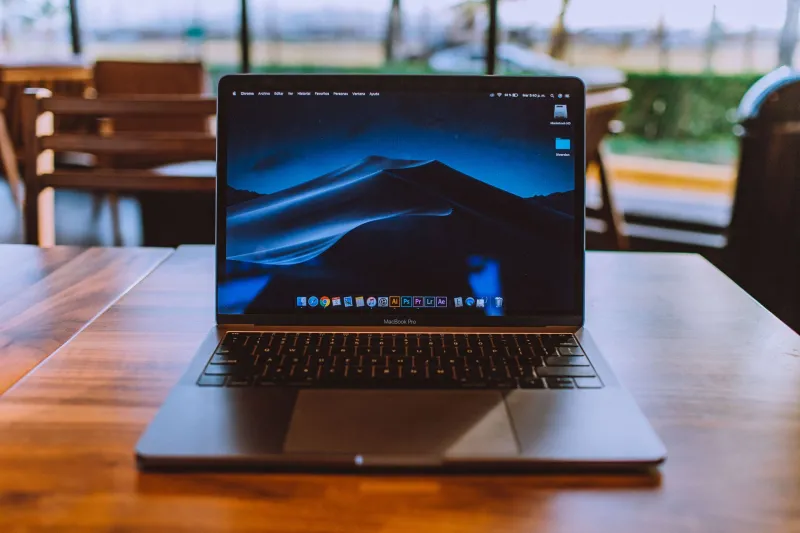
Photo: refurbished MacBook Air on a desk with two RAM spec labels, UK tech buying guide, via i.pinimg.com
There is a particular kind of optimism that takes hold when you spot a refurbished MacBook Air for £399. It is the same optimism that convinces people they will definitely use the gym and definitely not need a bigger suitcase. The listing says 8GB of memory, the photos look clean, the seller has a returns policy, and the price is roughly £120 less than the 16GB version sitting two rows below it. What could possibly go wrong?
Quite a lot, potentially — but not always. The trick with base-memory Macs in 2026 is separating the genuine bargain from the one that quietly costs you more the longer you keep it.
The gap that is not as big as it looks
At the time of writing, UK refurbishers are asking somewhere around £379–£429 for an M1 MacBook Air with 8GB and 256GB of storage. The 16GB version tends to sit at £479–£529. For M2 models, expect roughly £499–£549 for 8GB and £599–£659 for 16GB. M3 machines push those numbers up again, but the pattern holds: the memory upgrade usually adds £100–£140 on the second-hand market.
That is not nothing. It is a fortnight's food shop, a decent pair of trainers, or a sizeable chunk of a new phone. But it is also the only part of the laptop you can never change later. Apple solders the memory to the chip package, so there is no cheeky stick of Crucial arriving in the post to save you. You buy the memory you will live with, and that is that.
What 8GB actually feels like in 2026
Here is the fair version: 8GB is not unusable. Apple built macOS to run on it, and for a lot of people it still does. If your day is Safari with six or seven tabs, Mail, Spotify, a couple of spreadsheets and a bit of iPlayer, you will probably be fine. The machine will not tap you on the shoulder and demand a refund.
But 2026 is not 2020. macOS has grown, Apple Intelligence features want their slice of memory, and the average browser tab has become a small application in its own right. When you push past what the RAM can hold, macOS starts swapping data to the SSD. That is not a catastrophic event — modern SSDs are tough — but it does mean more waiting, more fan noise on the models that have fans, and a machine that feels older than its processor suggests.
The other bit people forget is Apple Intelligence. It runs on-device for a lot of tasks, and while 8GB meets the minimum, it leaves precious little headroom once you have a browser and a couple of apps open. You may not notice it in a benchmark. You will notice it when you are switching between a video call, a document and a photo library and the whole thing develops a slight hesitation, like a car deciding whether to overtake.
Who can bank the saving
There are genuine 8GB buyers out there. If the MacBook Air is a second machine — a sofa laptop for browsing, email, streaming and the odd bit of admin — the cheaper model makes sense. If you are buying for a student who mostly writes essays and watches lectures, and the budget genuinely stops at £400, an 8GB M1 is a better use of money than a tired Intel machine. If you plan to keep it for two years and then pass it on, the memory penalty is smaller.
Who should walk away
If this is your main computer and you plan to keep it for four or five years, the maths changes. Same if you juggle dozens of browser tabs, run Slack and Zoom at the same time, edit photos, or have any ambition to use Apple Intelligence regularly. The 8GB machine will work, but it will work harder than you want it to, and you will feel the difference every time you ask it to do two things at once.
The long-game maths
Let us use a mid-range example. You buy a refurbished M2 MacBook Air with 8GB for £529 instead of the 16GB model at £649. You save £120 today. Now fast-forward three years. The 8GB machine might fetch £200–£230 on the used market; the 16GB version might fetch £300–£330. That is a £100-ish resale penalty, which wipes out most of your original saving. Add in the fact that you may have spent three years working around swap files, and the financial win looks thin.
Keep it five years and the picture gets worse. The 8GB model is likely to be near the bottom of the resale pile, while the 16GB version still has appeal to someone who wants a cheap Mac that can actually multitask. You have not saved £120. You have rented a smaller room for the same length of tenancy and paid a premium for the privilege.
A simple decision rule
If you can stretch to 16GB without putting it on a credit card you will regret, do it. The extra £100–£140 buys you a longer usable life, a better resale value and a machine that does not flinch when you open Photos. If you genuinely cannot stretch, buy the 8GB model with your eyes open: treat it as a two-to-three-year appliance, keep your expectations tidy, and do not try to convince yourself it is the same computer. It is not. It is a cheaper one, and it is cheaper for a reason.